Business automation
Less admin. More time.
Emails, calls, and appointments handled.
The updates you need, sent straight to you.


AI automation
From incoming. To handled.
A customer reaches out
An email, a call, or an appointment request.
The routine work gets organized
Details are captured and the next step is prepared.
You stay in control
Your team reviews the decisions that need a person.
The update reaches you
A clear notification keeps everyone moving.
Sample workflow · Nothing is sent.
Try the interactive demo
Sort your inbox, prepare replies, and flag what needs you.
An email comes in
- Taylor · customer
“Can you send me a quote for a weekly office clean?”
You get notified

OMNIX · Demo preview
New quote request
Taylor wants a weekly office clean. Review the prepared reply when you're ready.
Quote request sorted. A reply is ready to review.
Interactive demo. Sample data only; nothing is sent.
I want this for my businessAutomation services
We set it up with you.
Tell us what takes your time. We connect your tools, test the workflow together, and show you how to use it.
Map the repeated work
We trace the manual steps, handoffs and tools your team uses today.
Agree the rules
Access, approvals, business rules and clear responsibilities are set before the build starts.
Build and test
We test the normal path, exceptions and the points where a person should take over.
Launch with control
The workflow starts with monitoring and a human fallback, then improves with real use.
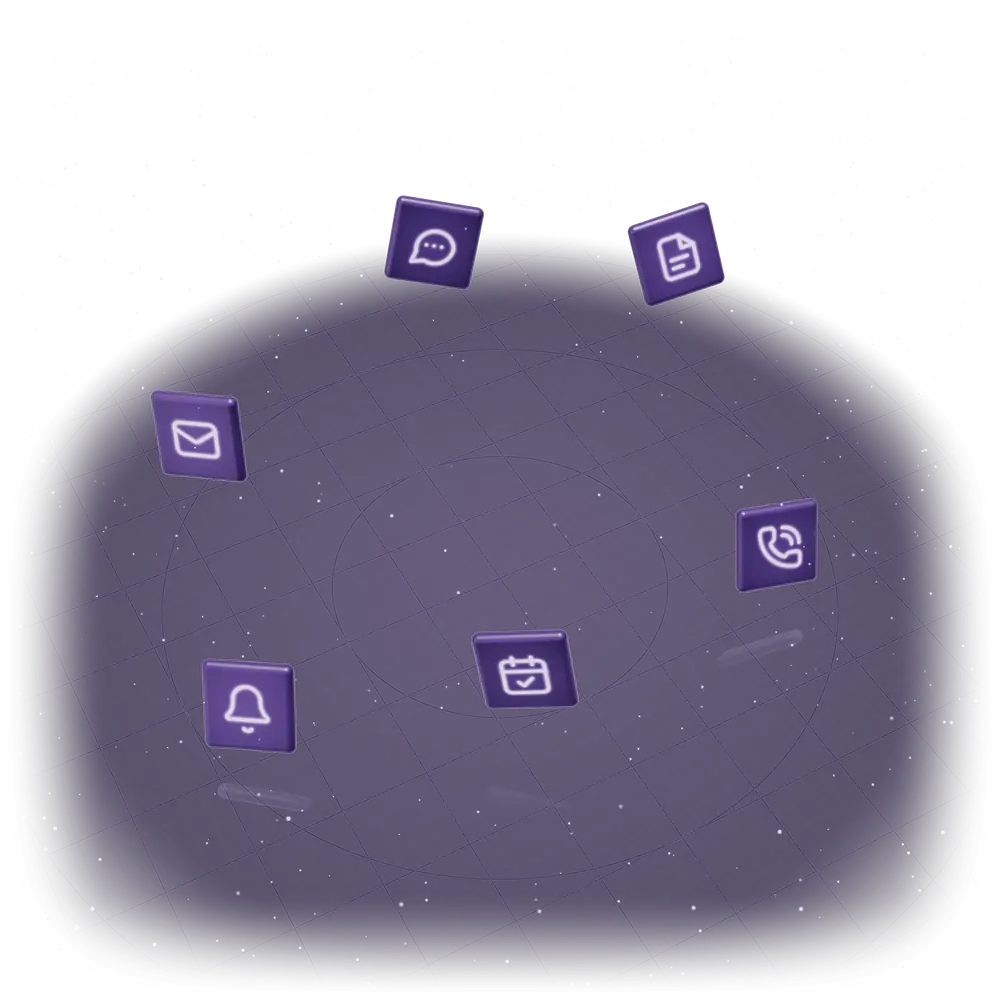

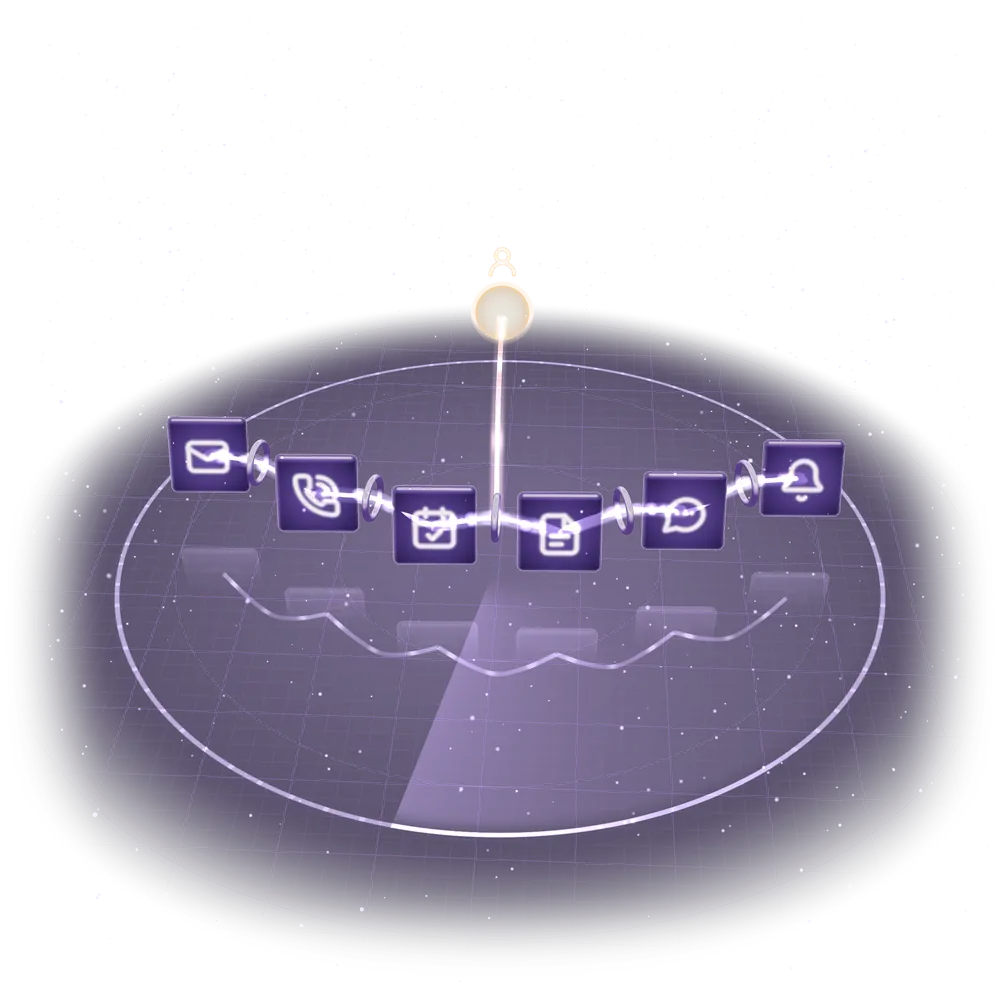
You stay in control.
Approval steps, escalation rules and human handoffs are designed into the workflow. Your team decides where automation can act and where a person must review or take over.
You choose what runs automatically and what needs your approval.
- Give approved answers to common questions
- Prepare replies using approved facts
- Check connected calendar availability
- Route urgent messages
- Send approved payment reminders
Sample workflow · Nothing is sent.
Unusual requests go to a person.
Sample workflow · Nothing is sent.
- Casey · customer: “Please take me off your follow-up list.” runs automatically. Follow-ups stopped for this customer.
- Jordan · customer: “Do you service homes outside your usual area?” needs your approval. Can you help this customer? Jordan is outside your service area. Review the request before offering a visit.
- Riley · customer: “Is Tuesday at 2 pm still available?” runs automatically. That time is taken. Another available time is offered.
- Morgan · customer: “The quote looks good. What happens next?” needs your approval. A customer is ready to move forward. Morgan has replied to your quote. Open the conversation to agree the next step.